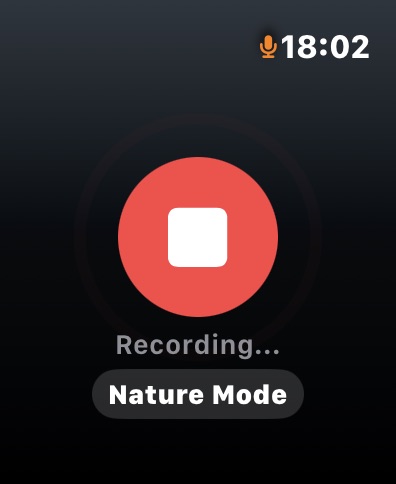
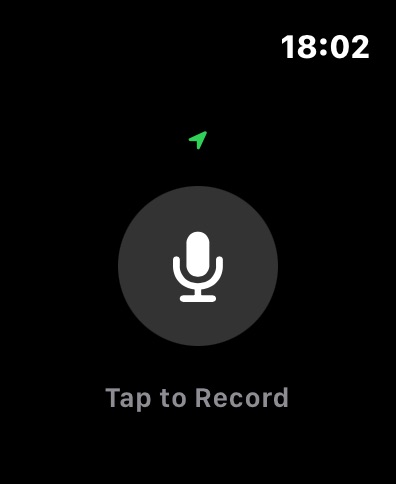
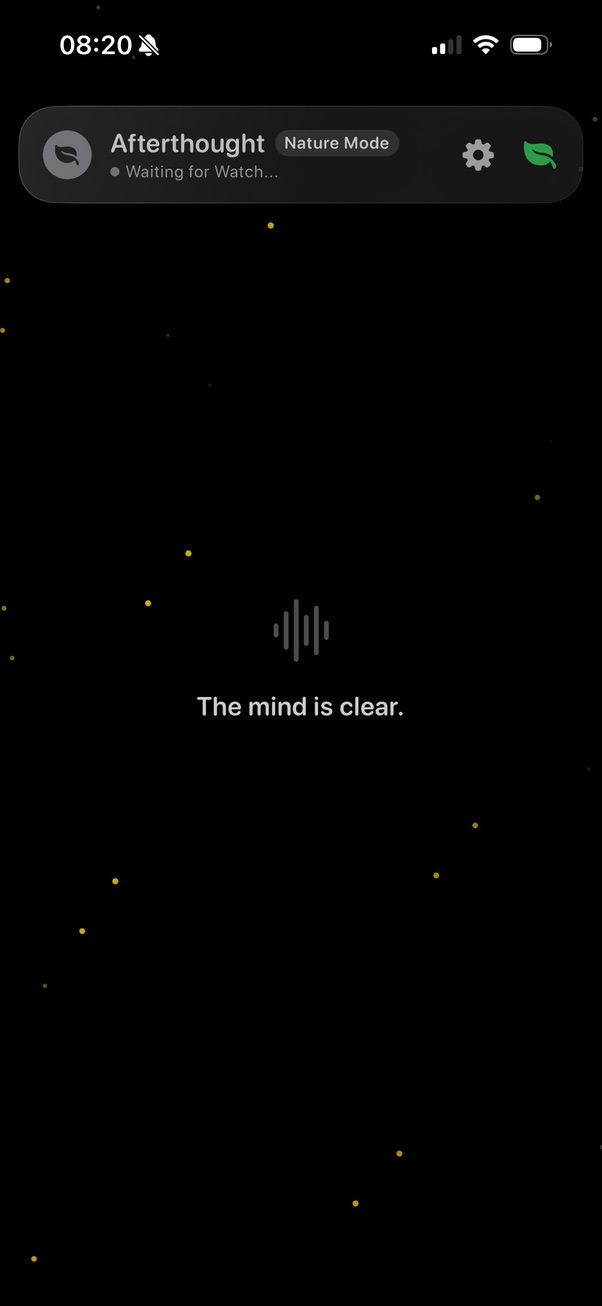
Afterthought captures every thought directly on Apple Watch - even when your phone isn't nearby.
Tap. Speak. Continue moving. When you reconnect, everything syncs, transcribes, classifies, and organises automatically.
Afterthought runs independently on Apple Watch. No phone connection required. No network required.
While you're offline, it records quietly in the background. Nothing to manage. Nothing to review.
When you reconnect, the system goes to work - syncing your notes, transcribing speech, classifying content using machine learning, and structuring it with advanced language models.
You speak once. Everything else is handled.
Capture without your phone. Notes are stored locally until you reconnect.
Reconnect once. Everything transfers and processes automatically.
Machine learning classifies. Language models structure. Your ideas become organised output.
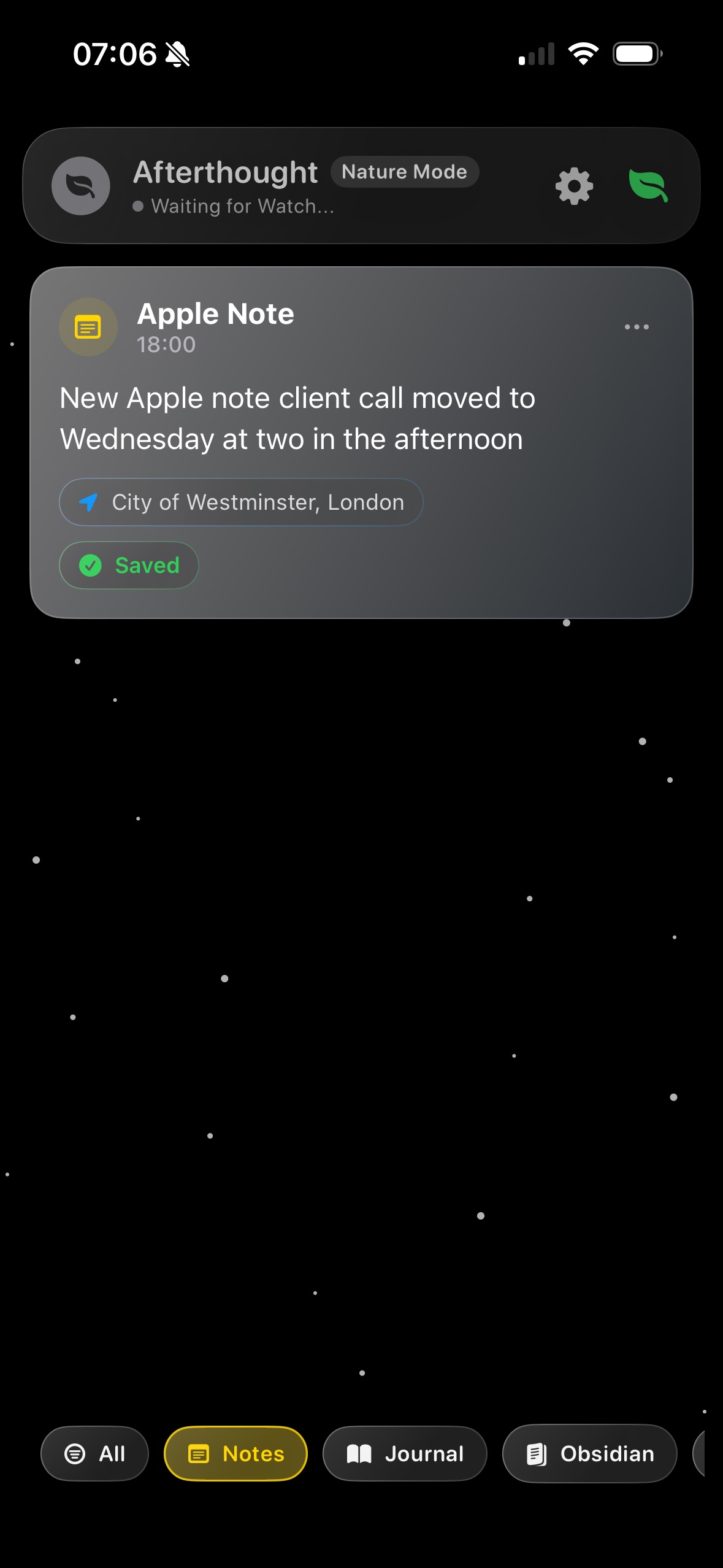
Optionally attach location and Now Playing data so each note retains its setting.
Raw thoughts become clear, organised actions.
Tap your wrist. Speak naturally.
No manual uploads. No review screens.
Your notes are automatically grouped by what they are for.
Long thoughts are turned into clean tasks, reminders, summaries, or journal entries.
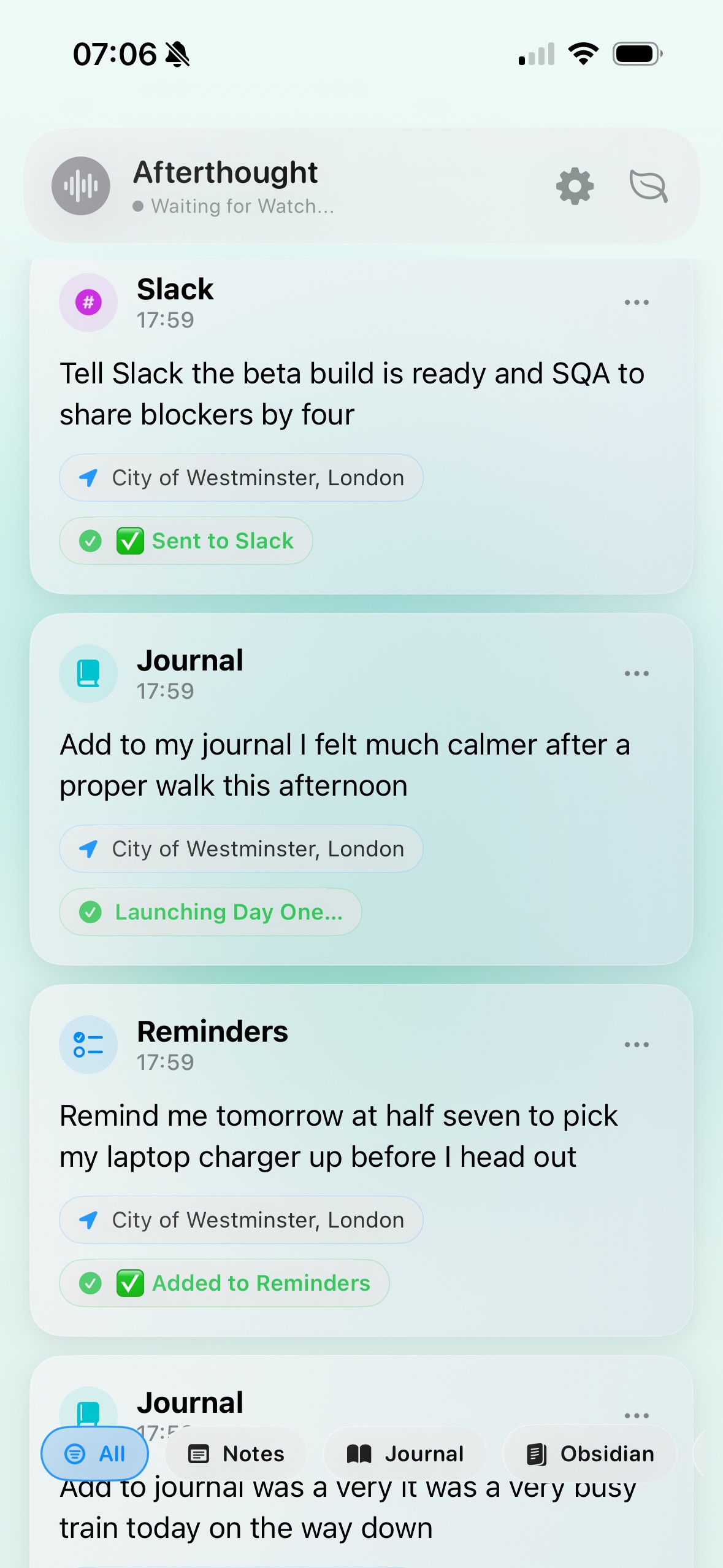
Your notes arrive in the right place - automatically.
Audio remains on device. Processing is secure.
What you say is automatically shaped into useful results.
“Remind me tomorrow at 7:30 to pick up my charger before I head out.”
Afterthought output“I felt much calmer after that walk this afternoon. Capture that in my journal.”
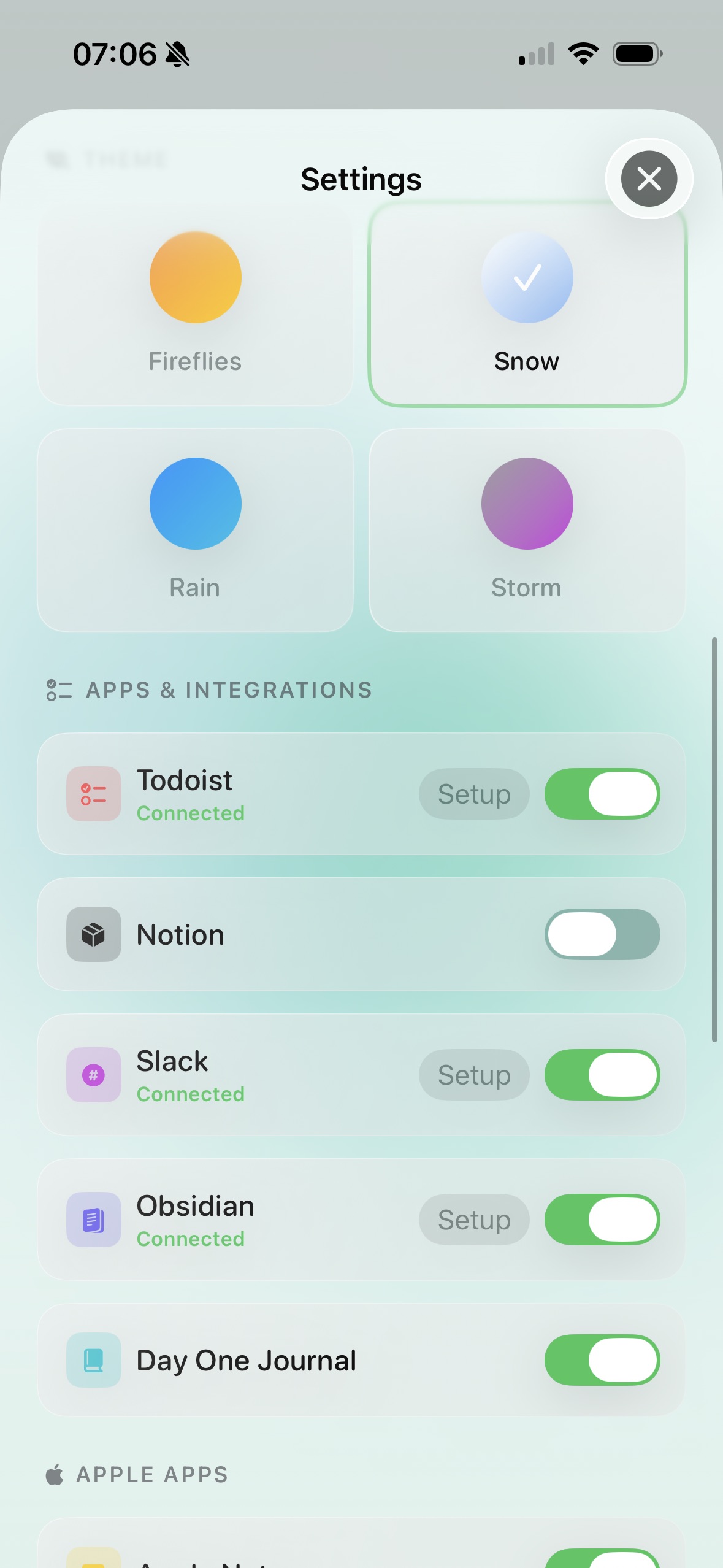
Afterthought outputAfterthought works with the apps you already use. Voice becomes structured output exactly where it belongs.
Start free. Upgrade when you need more automation.
A classification is one automatic sort of a note (for example: task, reminder, journal, summary, or note). After 20 each month on Free, recording and transcription still work, but automatic sorting pauses until your next monthly reset or Pro upgrade.
Get startedCapture everything on Apple Watch while you move, train, or focus.
Reconnect later. Everything is already organised.
Nothing lost. Nothing manual.
Quick answers about processing, privacy, and plan limits.
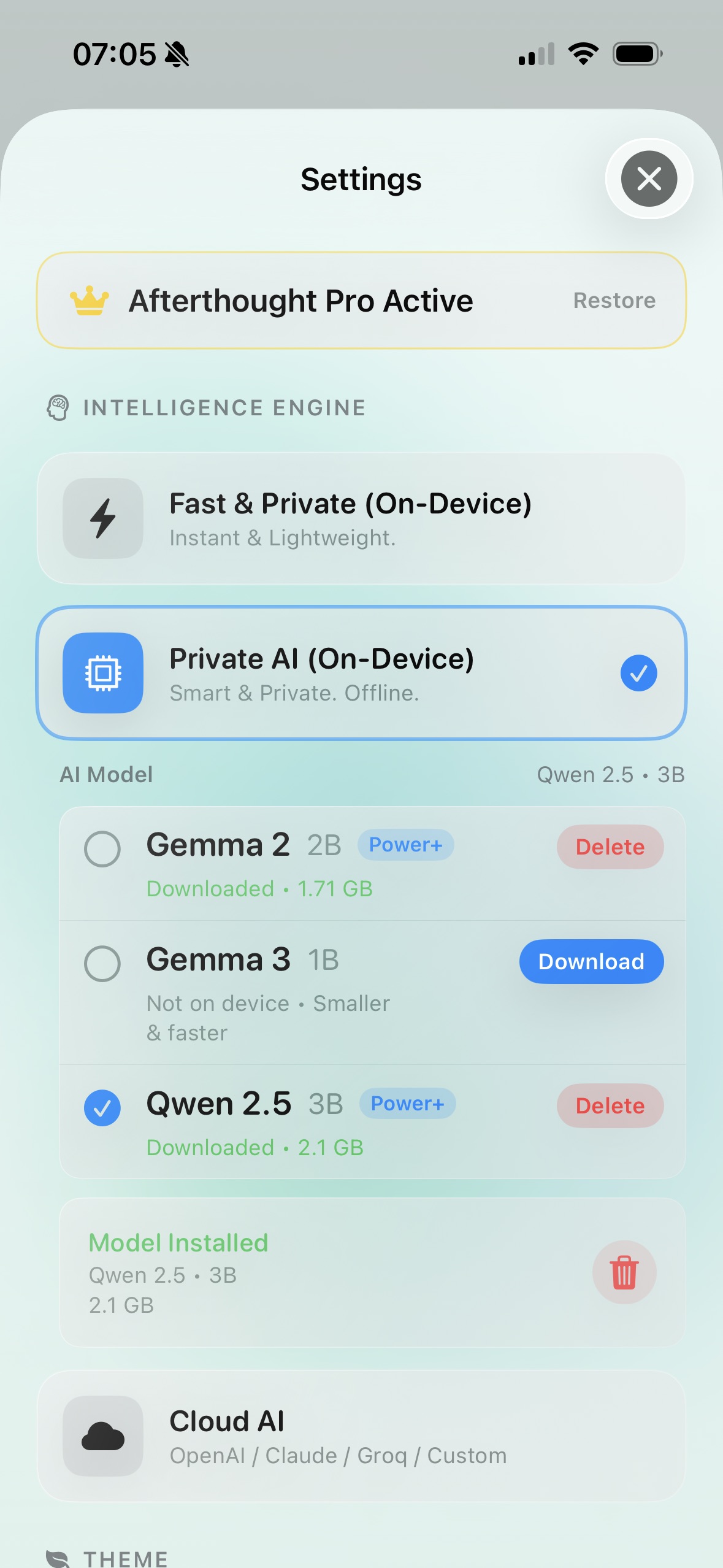
Afterthought can process on-device or with cloud providers you enable. You stay in control of this in settings.
Your content remains on your device unless you choose to sync or route it to Apple or third-party services you connect.
You switch destinations on in settings, then Afterthought routes each note to the matching app automatically.
You can keep recording and transcribing. Automatic note sorting resumes on your next monthly reset or immediately with Pro.
Plans are billed through Apple. You can change or cancel at any time in your App Store subscription settings.