Video
A rendered file with your mute decisions applied.
FrameStem for iPad
Record your screen, app sound and narration together. FrameStem saves the sources iPadOS provides as separate, aligned files.
How it works ›In development · iPadOS 26 or later
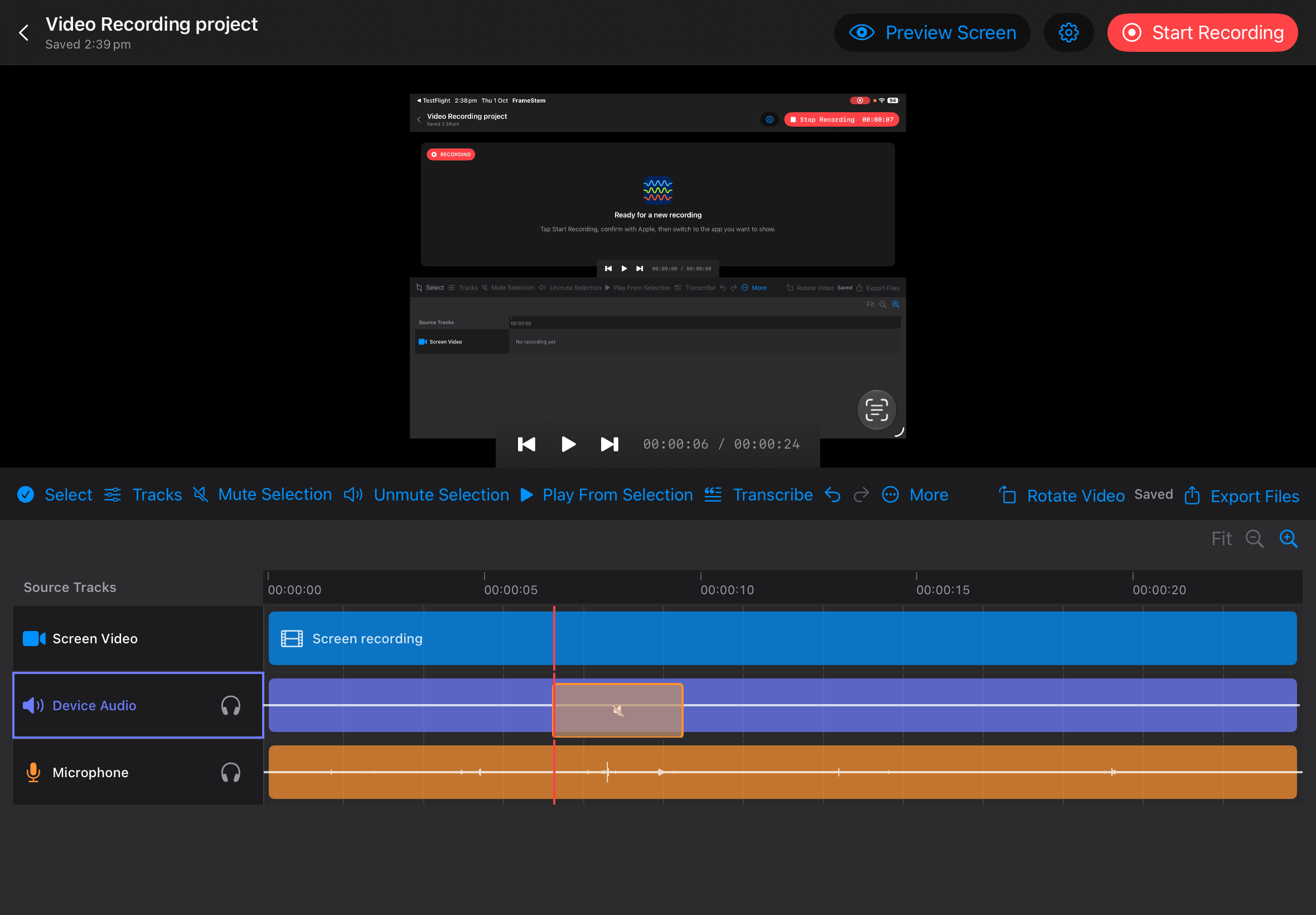
FrameStem records the sources made available by iPadOS and keeps them on the same timeline. You can review them together or use the files in another editor.
The picture, held on the same timeline as the audio.
Sound from the app, when the system makes it available.
Your narration, with optional on-device transcription in supported languages.
Separate channels from a compatible input when iPadOS exposes them.
Open a recording, play the tracks together and mute a passage on one source without changing the length of the video. The original media stays untouched.
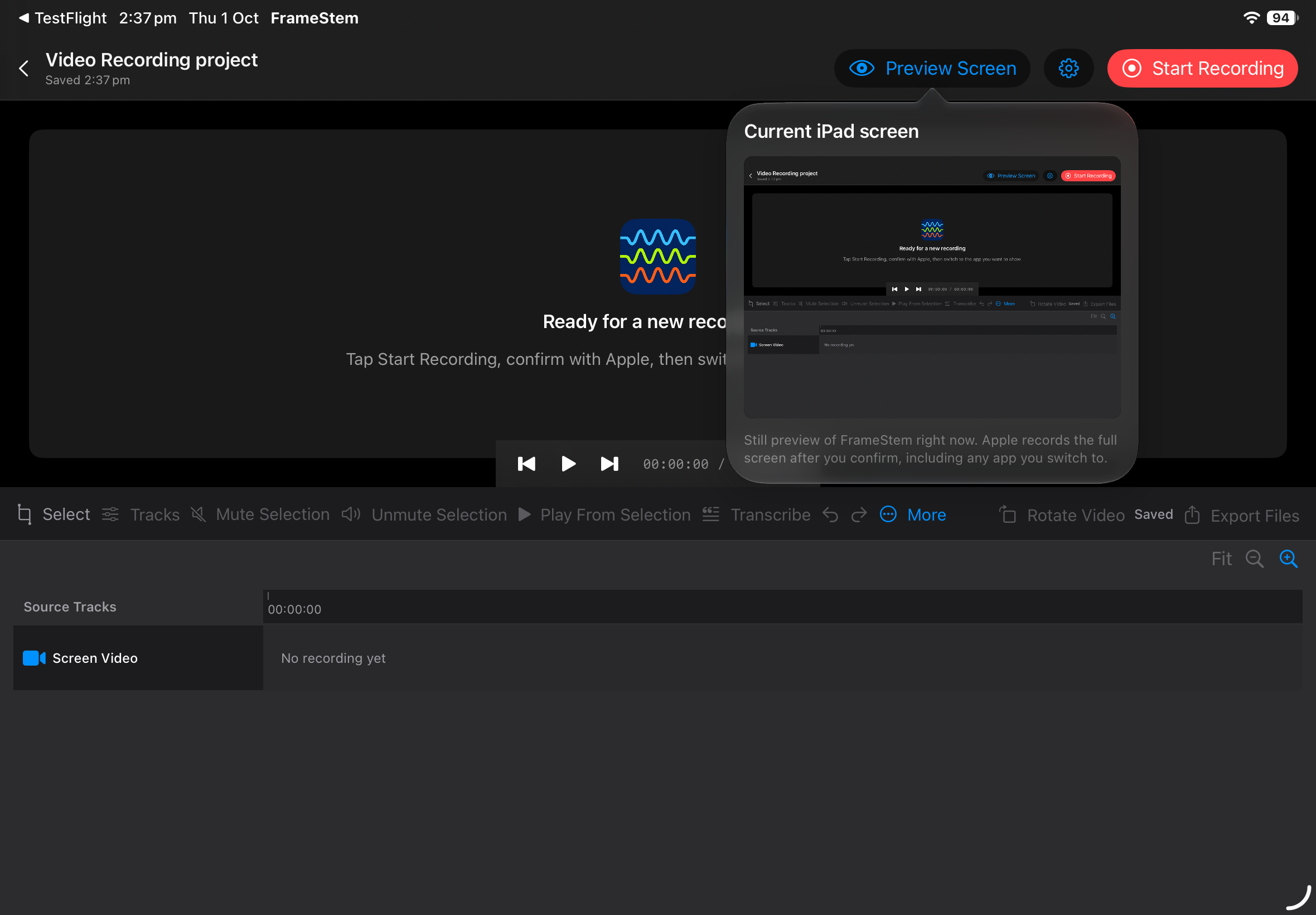
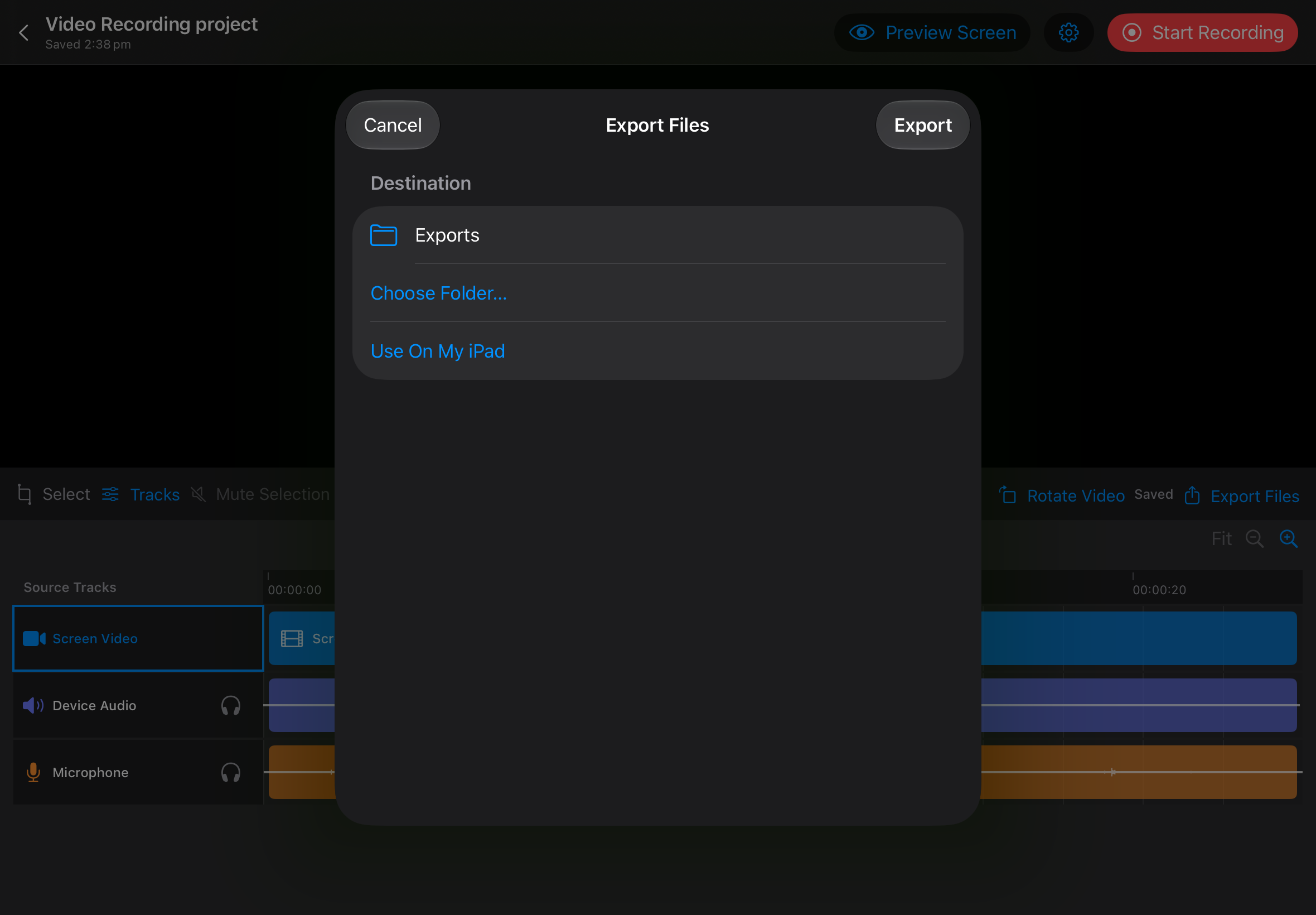
Prepare a video for sharing or take the separate files into another editing tool.
A rendered file with your mute decisions applied.
Screen video, aligned audio files and a transcript text file when available.
A portable .frs archive containing the original media and project decisions.
Capture depends on Apple’s APIs, the device, the app being recorded and the selected audio route. FrameStem is in development; capture and export compatibility still need device validation.