
Open Afterthought on Apple Watch and start speaking.
Afterthought for Apple Watch
Capture ideas on Apple Watch, even when your iPhone isn't there.
Record a voice note from your wrist while walking, travelling, or away from your desk. The recording is stored locally on Watch first and transfers when your iPhone reconnects.
Free to download · No account required · Immediate iPhone connectivity is not required for capture
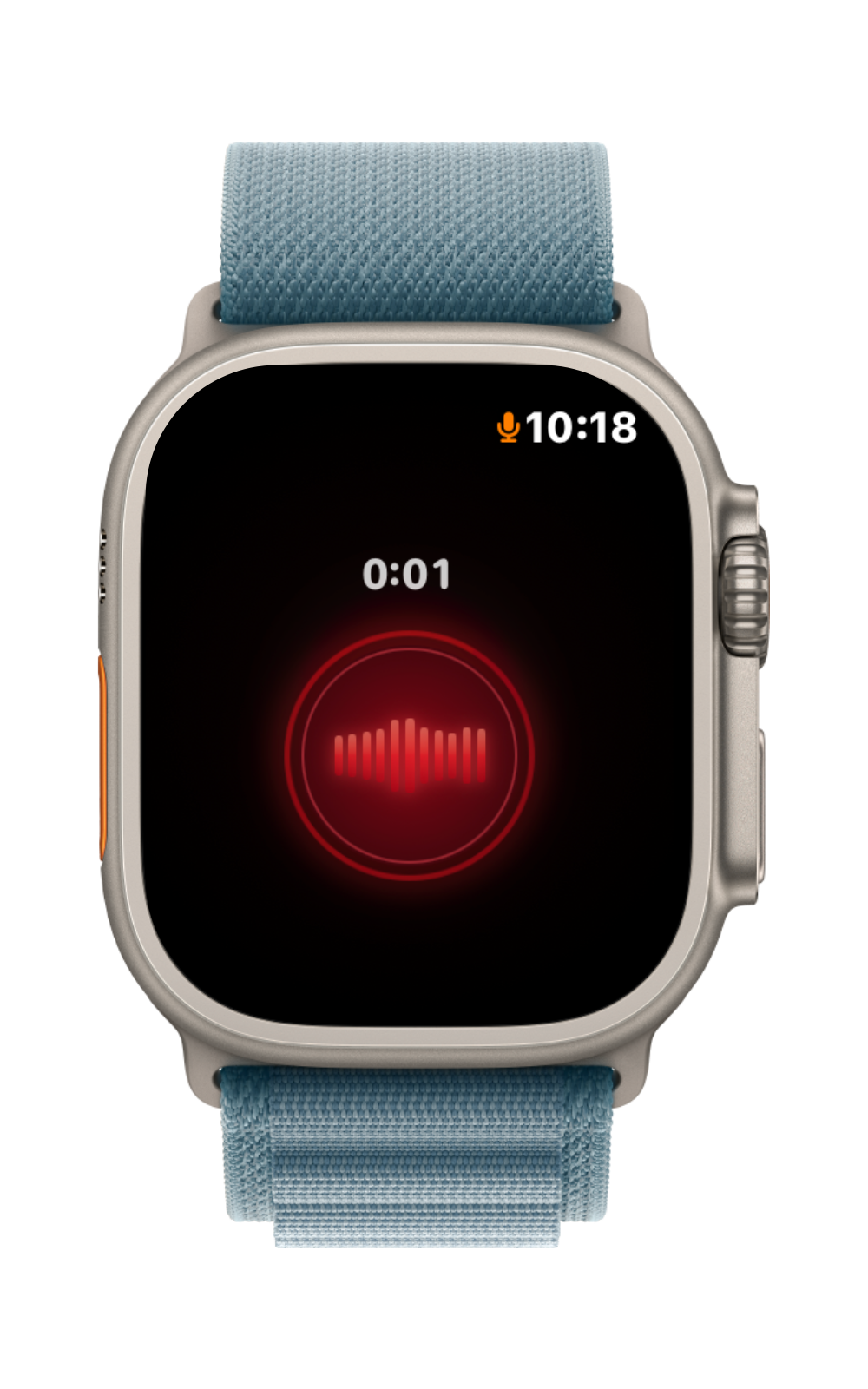
Your wrist is already there
Ideas do not wait until your phone is convenient.
Your iPhone may be in another room, packed away, or deliberately left behind. Afterthought turns Apple Watch into a direct voice-capture surface, so the moment does not need to wait.
Out walking
Capture the thought without pulling out a phone.
Out of range
The recording can remain locally on Watch until the connection returns.
Back with your iPhone
The iPhone imports and processes the capture for review or your selected mode.
How Apple Watch capture works
Record now. Reconnect later.
Capture does not depend on a cloud relay or a live iPhone connection.
The recording is kept on the Watch first.
Your iPhone can remain unavailable or out of range.
The recording transfers when Watch and iPhone connectivity returns.
The iPhone imports and processes it using the selected Afterthought mode.
How it works
From a Watch recording to a useful task.
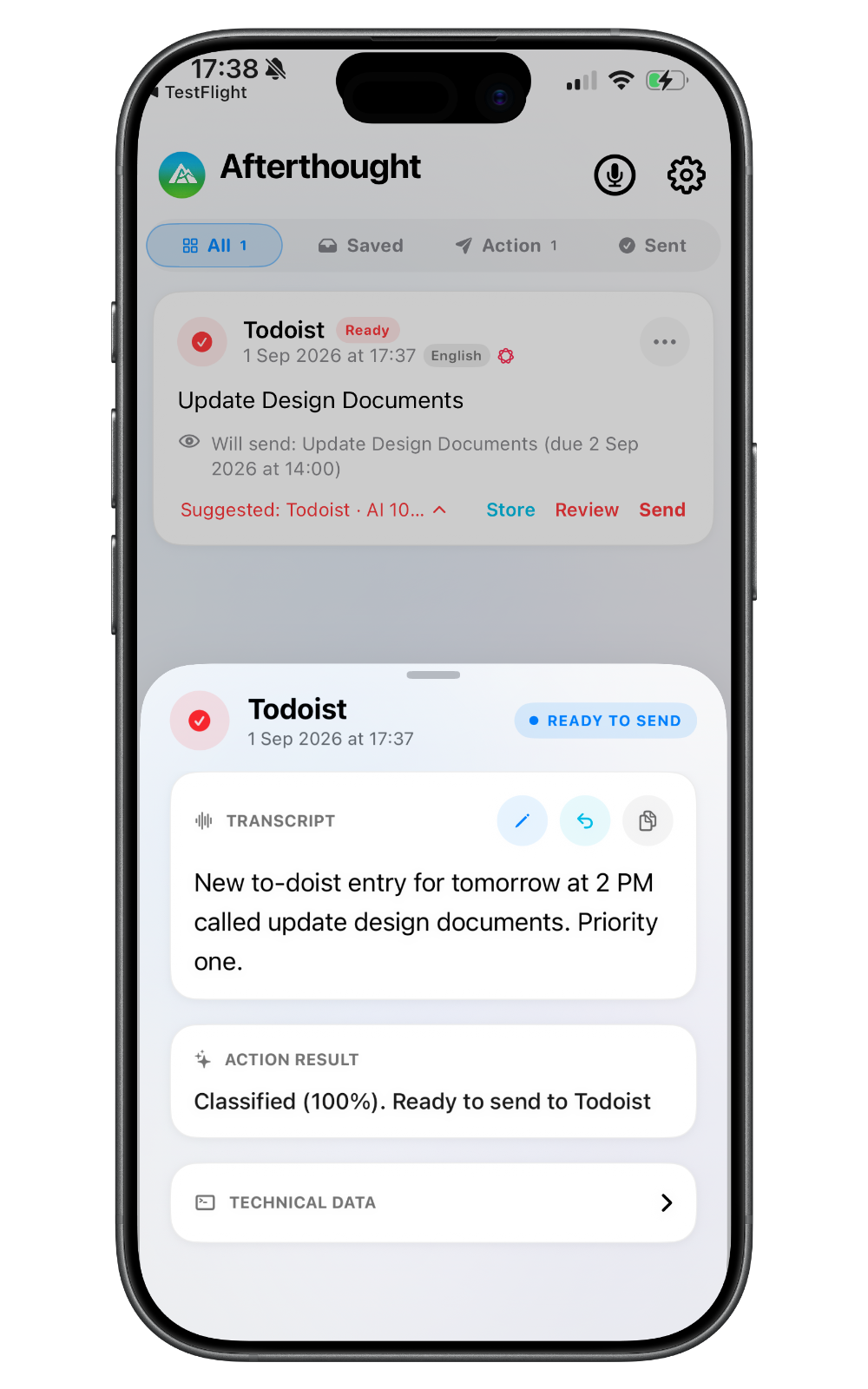
From Apple Watch to iPhone
“New Todoist entry for tomorrow at 2 PM called Update Design Documents. Priority one.”
The Watch stores the audio first. After reconnection, Afterthought on iPhone prepares the Todoist task for review, then opens the selected delivery workflow. Interpretation does not run entirely on Apple Watch.
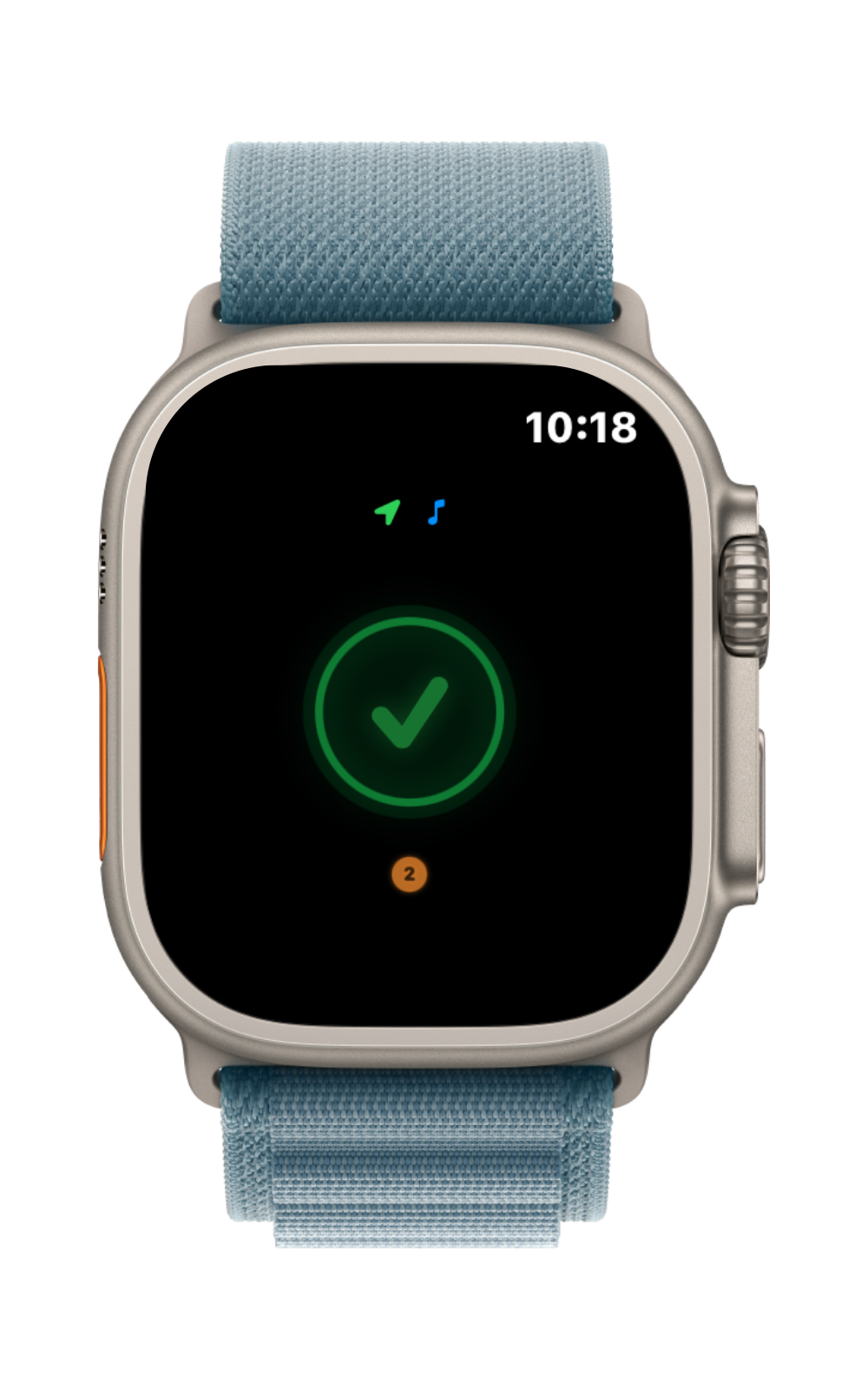
More than a Watch recording
Review it on iPhone. Keep it or send it on.
A Watch capture enters the same Afterthought workflow after transfer.
Keep a note
Preserve the transcript or prepared note inside Afterthought.
Prepare it for Notion
Review a supported title and body before delivery.
Explore Notion voice notesPrepare a Todoist task
Extract supported task details rather than sending a raw transcript.
Explore Todoist voice tasksReview after transfer
Your Watch catches it. Your iPhone gives you control.
After the recording transfers, Afterthought follows the selected Transcribe Only, Classify & Review, or Classify & Send flow. Not every result automatically sends.
Original capture preserved
Return to what you actually said if a prepared result is not right.
Uncertainty stays visible
Incomplete or uncertain results remain available for review.
Bundles never auto-send
Several requested actions from one Watch recording stay together for review.
Local-first privacy
Local storage begins on your wrist.
The recording is stored locally on Apple Watch first and can wait there for the iPhone connection to return. Capture and transcription are local-first. Apple Intelligence, Classic, and downloaded Local AI Models can process on device; configured Cloud AI and external destinations send the required text only when chosen.
No cloud relay required for captureYour Watch recording does not need to pass through an Afterthought server to reach your iPhone. Processing happens after the iPhone imports the capture.
Apple Watch voice notes FAQ
Useful things to know.
Can Afterthought record when my iPhone isn't nearby?
Yes. Immediate iPhone connectivity is not required for capture. The recording can remain on Apple Watch and transfer after the devices reconnect.
Where is the Watch recording stored?
It is stored locally on Apple Watch first. After connectivity returns, it transfers to the iPhone for import and processing.
When does it sync to iPhone?
It transfers when Watch and iPhone connectivity returns. The timing depends on the devices reconnecting and the system making the transfer available.
Does AI run directly on Apple Watch?
No claim is made that all interpretation or AI processing runs on Watch. The Watch captures and stores the recording; the iPhone subsequently imports and processes it.
Can Watch captures become tasks or notes?
Yes. After transfer and iPhone processing, a capture can be prepared as a supported note, task, reminder, event, communication, journal entry, email draft, or app handoff.
Do I need a cellular Apple Watch?
No cellular connection is required to make the local recording. The Watch and iPhone need to reconnect later so the capture can transfer.
Ways to use Afterthought
Choose the destination after the moment has passed.
Capture it from your wrist. Decide what happens later.
Leave your phone behind without leaving the thought behind.