
Say it
Record a thought in Afterthought, from the Action Button, or on Apple Watch.
Afterthought for Apple Notes
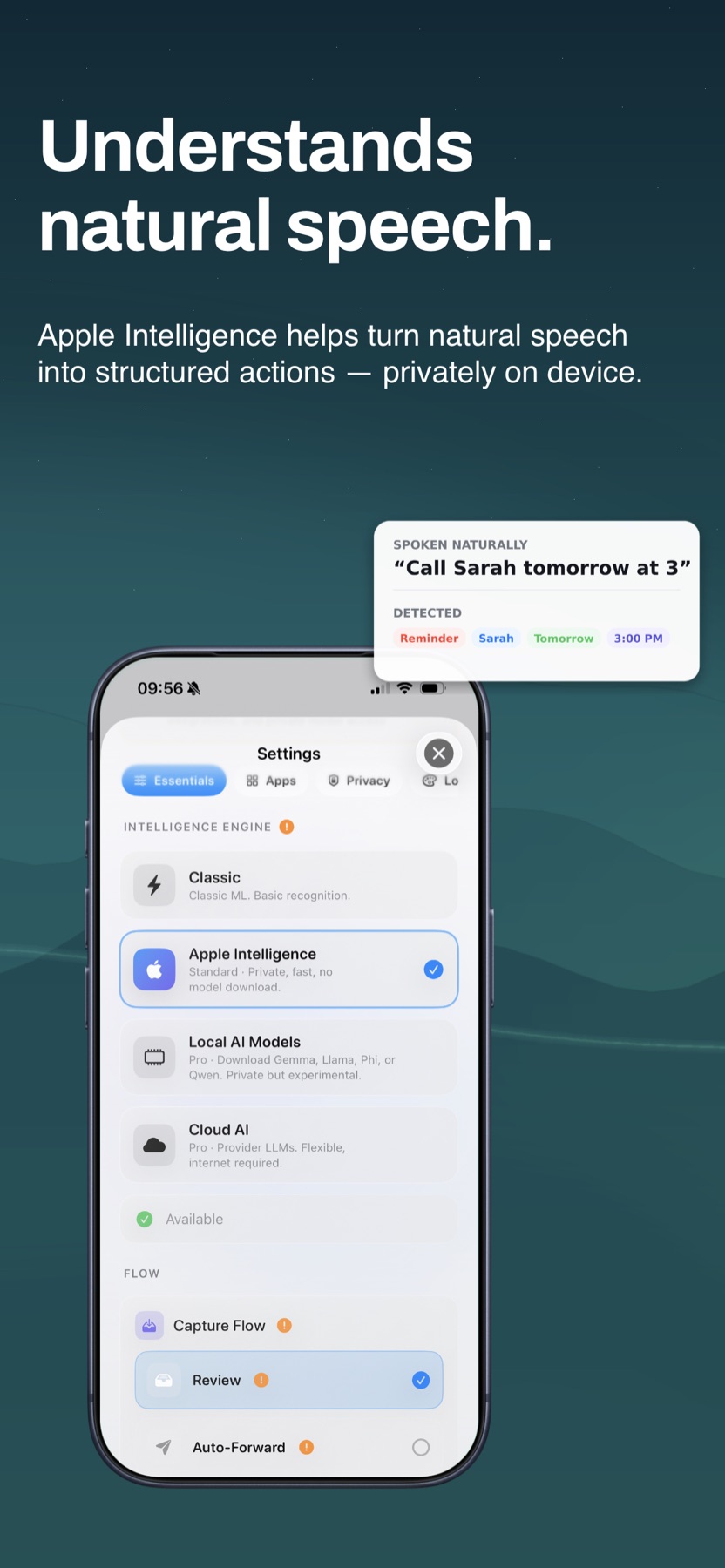
Speak from iPhone, the Action Button, or Apple Watch. Afterthought prepares a clear note for review, then opens the system share flow when you are ready to send it to Apple Notes.
Free to download · No account required · Apple Notes included
How voice notes reach Apple Notes
Apple Notes does not need to be open when the idea arrives.
Record a thought in Afterthought, from the Action Button, or on Apple Watch.
It turns what you said into a reviewable note while preserving the original capture.
Check or edit the prepared note before it goes anywhere else.
Use the system share flow to add the reviewed text to Apple Notes.
A voice-to-notes example
“Add this to Apple Notes: ideas for the new onboarding. Make the first screen clearer and keep setup optional.”
Review the text, then use the share flow to add it to Apple Notes.
Capture anywhere
Record a thought when you want the review controls immediately available.
Start a note without finding and opening Apple Notes first.
Explore Action Button captureCapture an idea from your wrist; it transfers when your iPhone reconnects.
Explore Apple Watch captureYou stay in control
Afterthought is a place to capture and review, not a requirement to replace the system you already use. Keep the note in Afterthought or move it to Apple Notes when ready.
Check the prepared title and text before the share flow opens.
Change a prepared capture by voice or text where supported, while it remains in review.
Several requests in one recording stay together for review and never auto-send.
Apple Notes voice capture FAQ
Yes. Capture the idea in Afterthought, review the prepared text, then use the system share flow to send it to Apple Notes.
Yes. Apple Watch captures are stored locally first and transfer to your iPhone when your devices reconnect.
No. Capture first, then decide where the reviewed note belongs afterwards.
Yes. Use Classify & Review to inspect or edit the prepared result before you share it.
No. Capture and transcription are local-first. Cloud AI is optional and only used when you configure it.
More ways to capture
Capture without breaking your train of thought.